Getting Started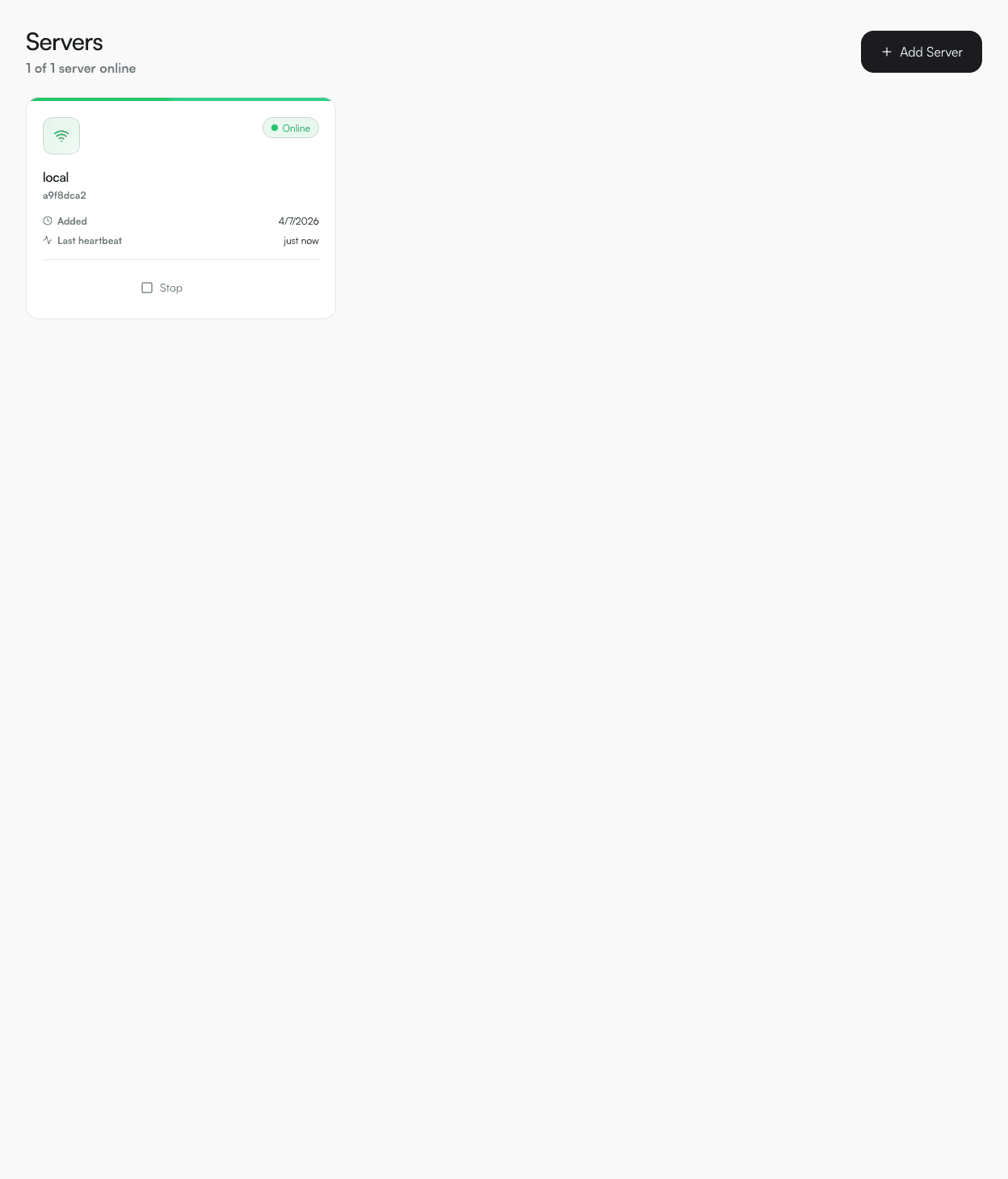

Quick Start
Deploy your first service in under 5 minutes.
01
Install DevPanel
Install the CLI from npm then run the installer. Docker images are pulled and all services start automatically.
bash
npm install -g devpanel-cli
devpanel install
02
Open the dashboard
Navigate to http://localhost:33000. On first visit, create your admin account.
03
Add a server
Go to Servers → Add Server. For local dev, use localhost as the host. DevPanel spins up the agent container automatically within ~30 seconds.
04
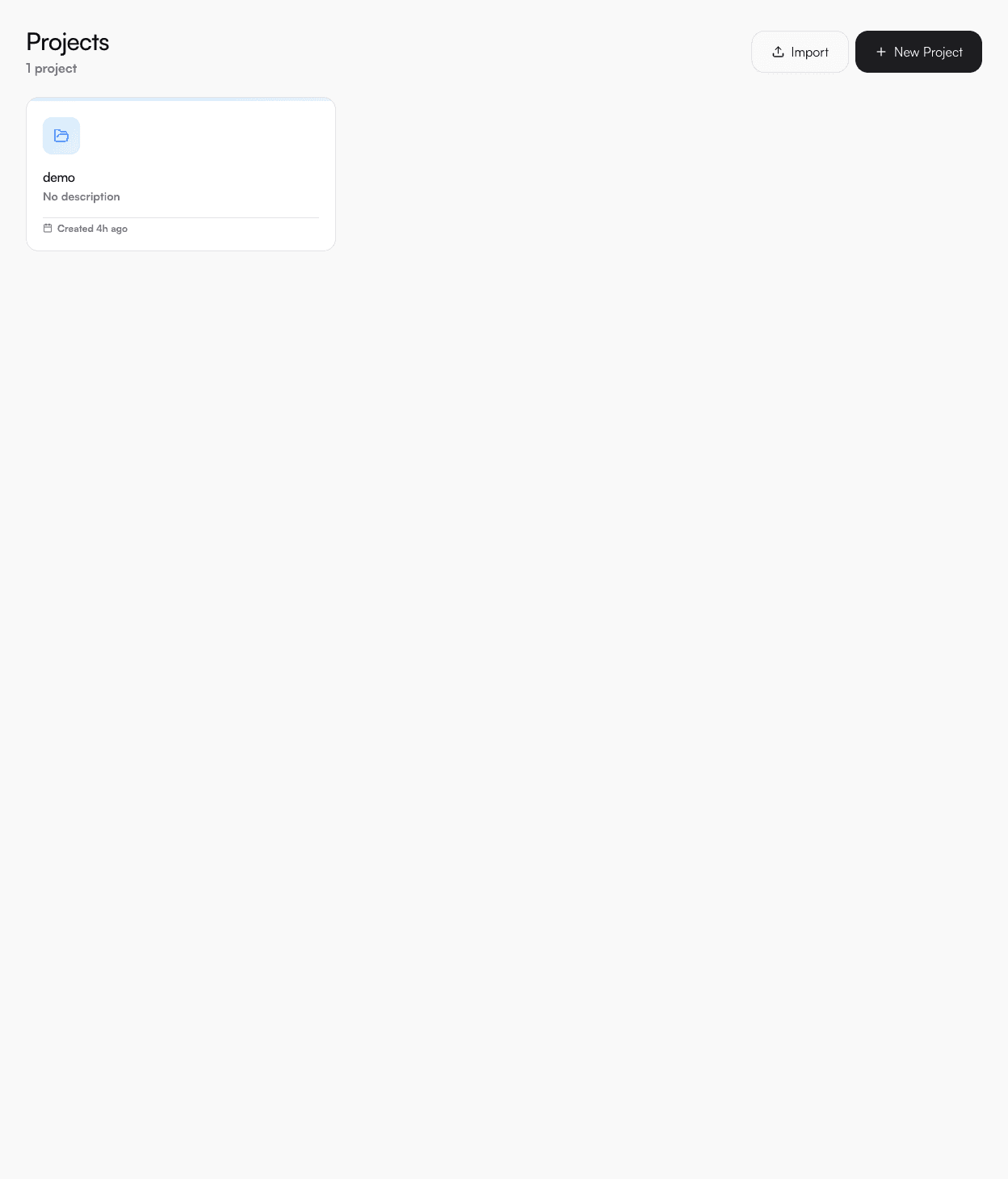
Create a project
Projects group your services. Click New Project and give it a name.
05
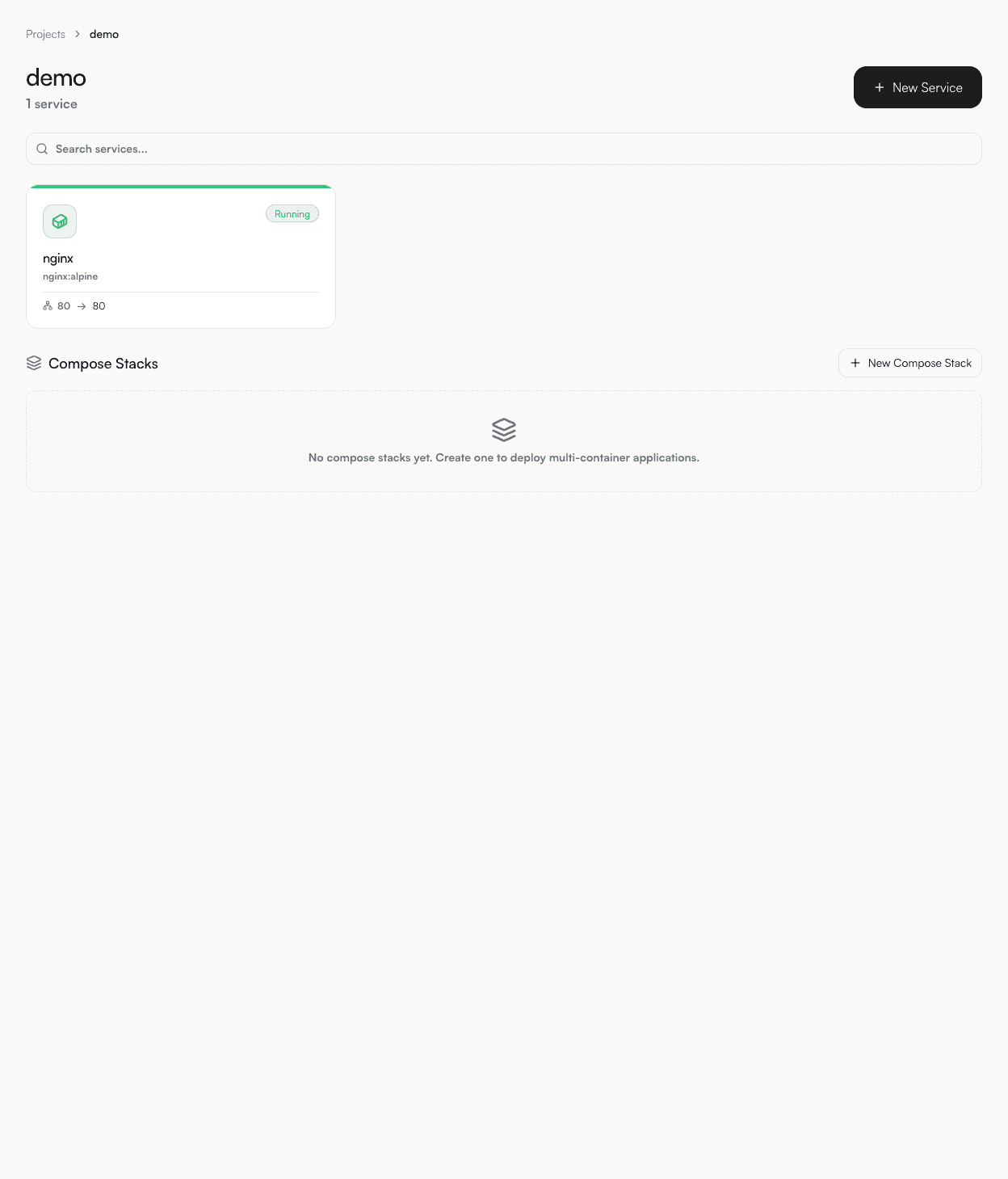
Deploy a service
Inside your project, click New Service. Paste a Docker Compose YAML, select the server, and hit Deploy.
compose.yml
services:
  app:
    image: nginx:alpine
    ports:
      - "8080:80"
06
View logs & resources
Click into the service and use the Logs tab to stream live container output, or Resources for CPU/memory charts.