Core Concepts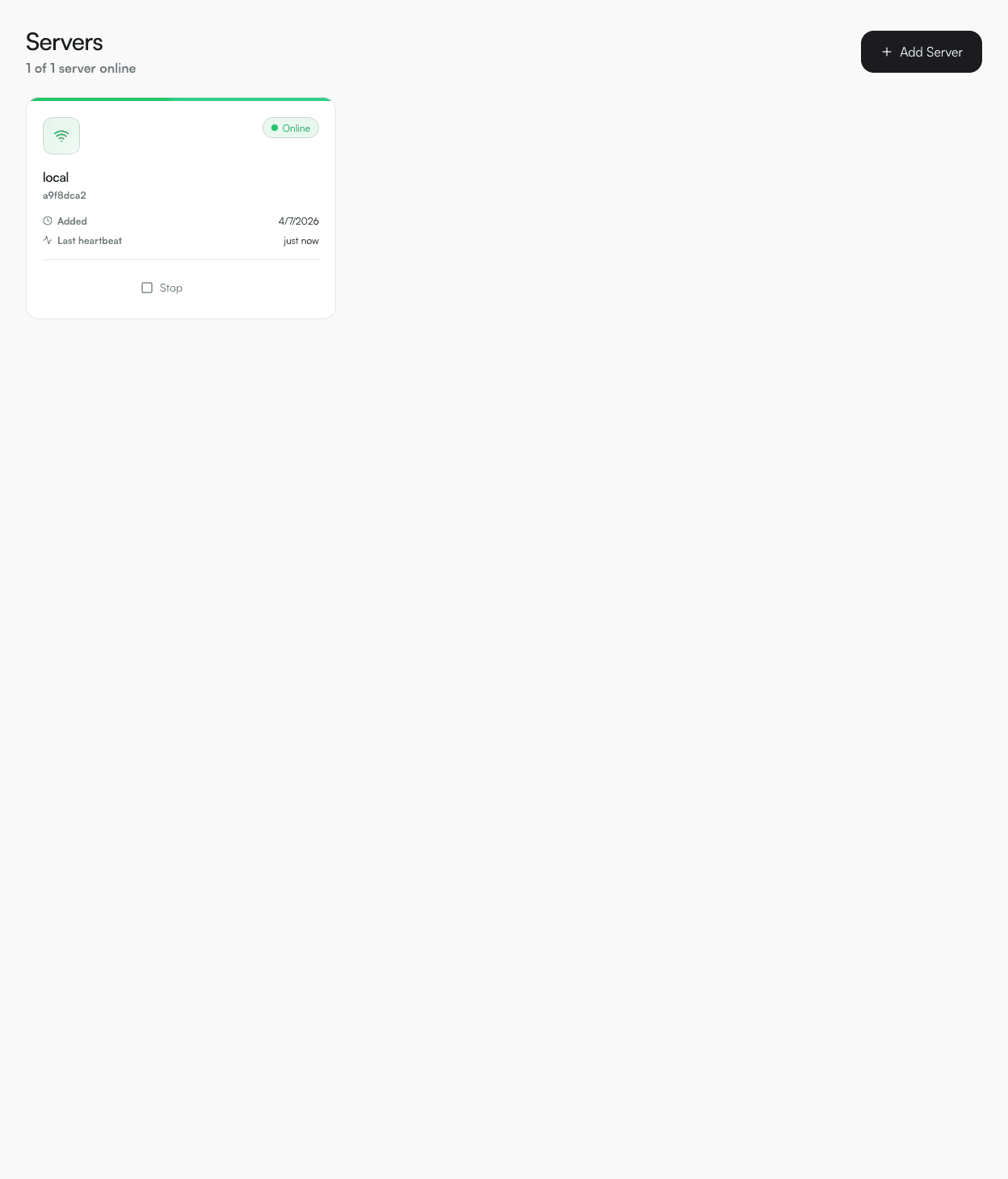
Servers
A server represents a machine where your services run. DevPanel connects to servers via a lightweight agent it manages automatically.
How agents work
When you add a server, DevPanel pulls the agent Docker image and starts a container. The agent listens on port 33002 and forwards Docker commands from the API. For local servers, this happens automatically via the Docker socket.
Adding a local server
- 1Go to Servers in the sidebar.
- 2Click New Server.
- 3Set host to localhost (or leave blank) and give it a name.
- 4Click Create. The agent starts automatically within ~30 seconds.
Adding a remote server
SSH into your remote server and start the agent manually:
bash
docker run -d \
  --name devpanel-agent \
  --restart unless-stopped \
  -p 33002:33002 \
  -v /var/run/docker.sock:/var/run/docker.sock \
  -e API_URL=http://<your-devpanel-host>:33001 \
  -e SERVER_TOKEN=<token-from-dashboard> \
  ghcr.io/nnvanhao/devpanel-agent:latest
Server status
| Status | Meaning |
|---|---|
| online | Agent is reachable and healthy |
| pending | Agent is starting up (usually resolves in 10–30 s) |
| offline | Agent is not responding — check Docker on the server |