Guides
Beginner5 min read
Getting Started with DevPanel
From zero to deployed container in under 5 minutes.
01
Install DevPanel
Install the CLI from npm, then run the installer:
bash
npm install -g devpanel-clibash
devpanel installVisit http://localhost:33000 once the install completes.
02
Create your admin account
On first visit you'll be prompted to enter an email and password. This creates the sole admin account.
browser
open http://localhost:3300003
Add a local server
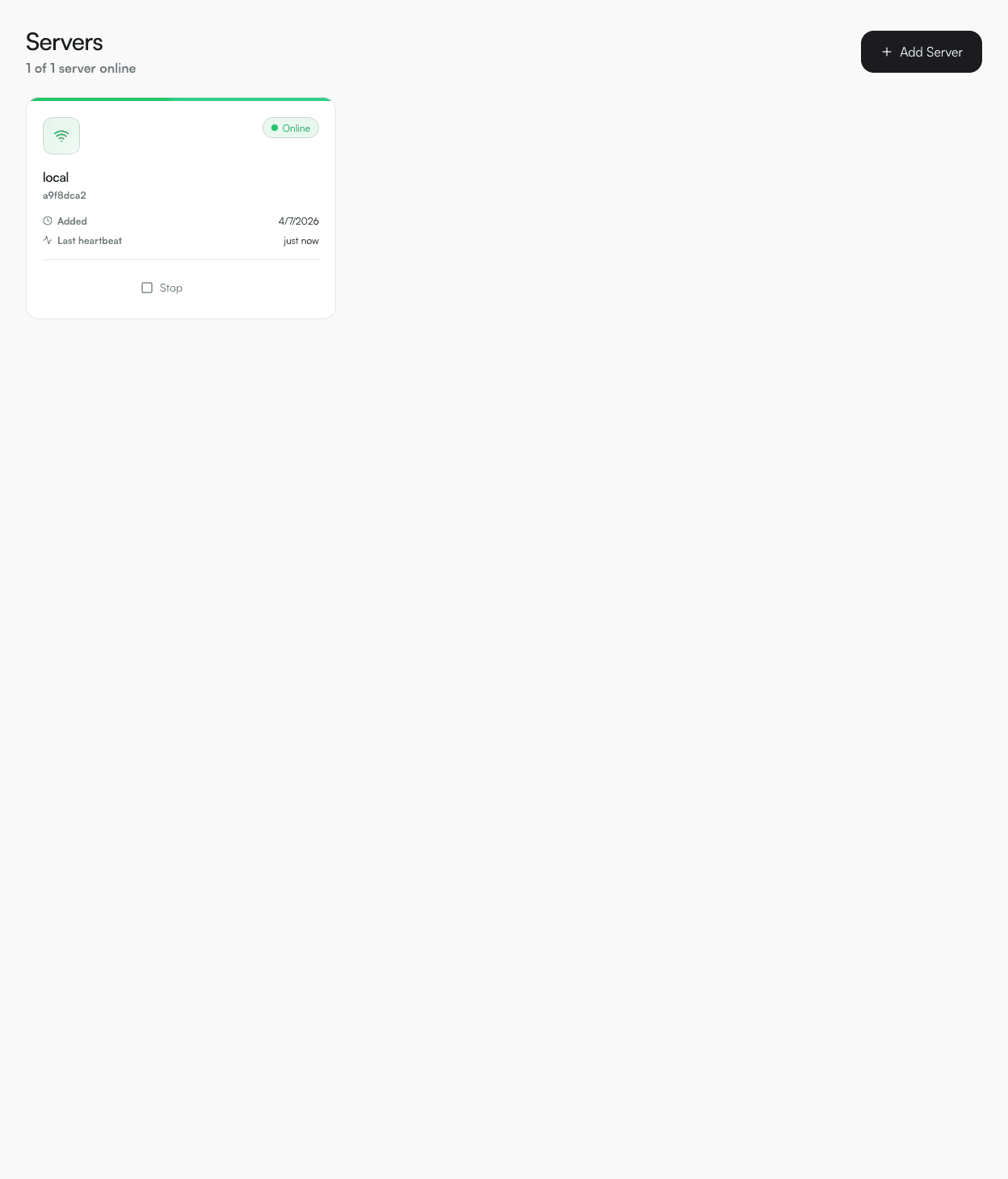
Click Servers → Add Server. Set host to localhost and give it a name. DevPanel auto-starts the agent container within ~30 seconds.
04
Create a project
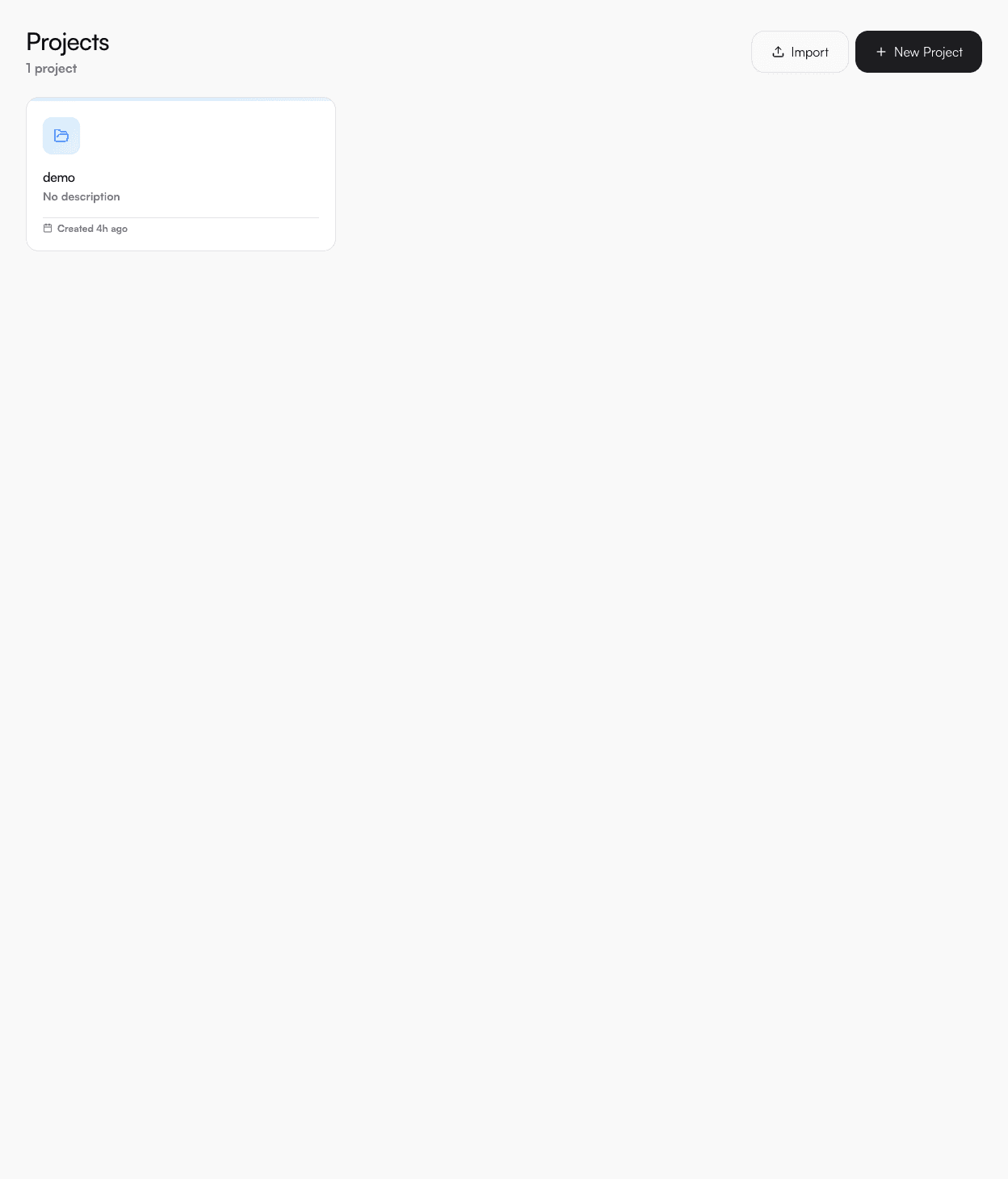
Click Projects → New Project. Give it a name like my-app.
05
Deploy a service
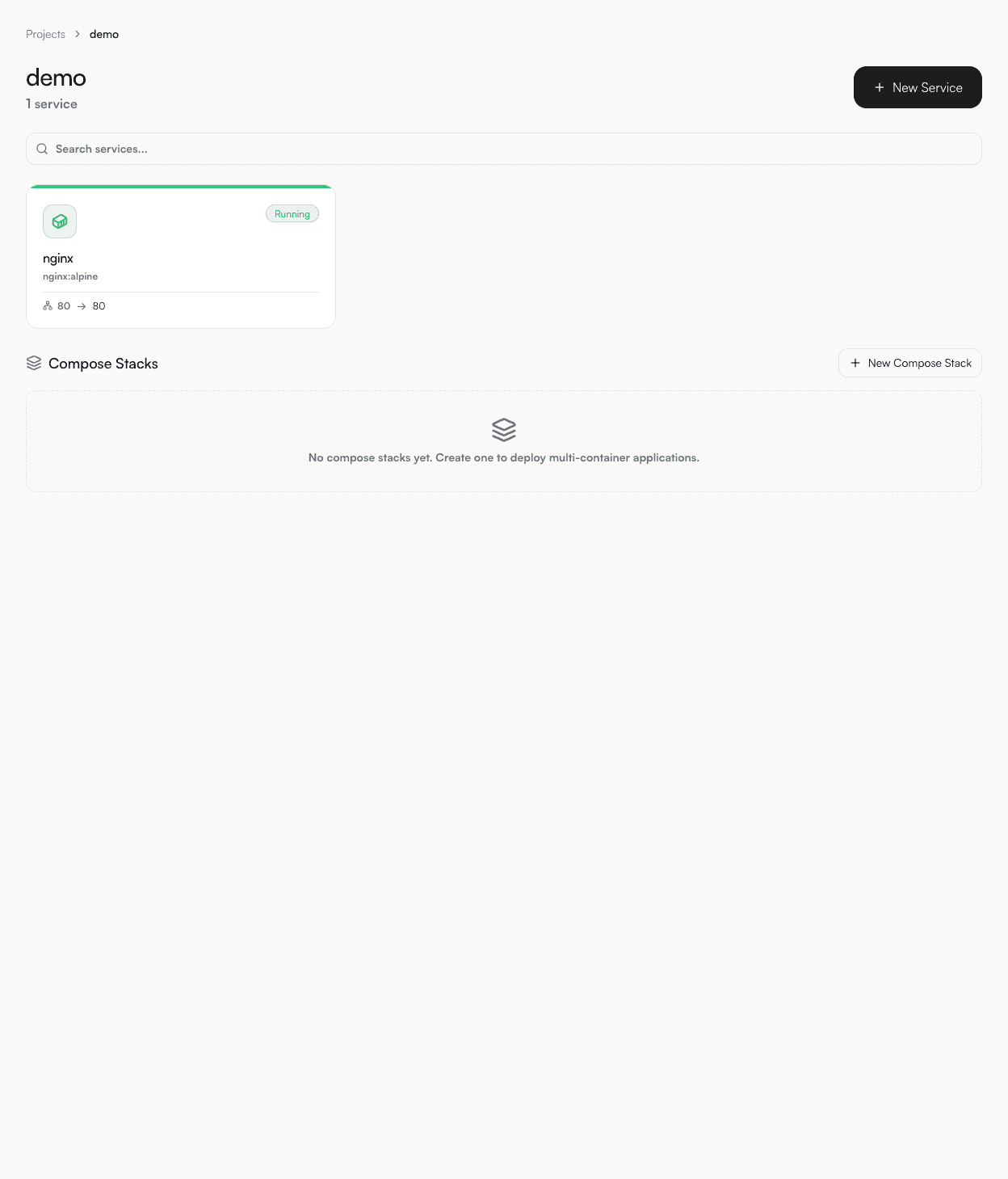
Inside your project click New Service. Paste this compose YAML:
compose.yml
services:
  web:
    image: nginx:alpine
    ports:
      - "8080:80"
    restart: unless-stopped
Select your local server and click Deploy. The service will be up at http://localhost:8080.
06
View logs
Click into the service and open the Logs tab to stream live container output.
